



For decades, classrooms in Africa have been characterised by their physical presence, chalkboards, crowded desks, and the sound of voices rising and falling in unison. When learning shifted online, teachers and students had to adjust quickly, often relying on whatever tools were most accessible. Zoom became the obvious choice for many, not because it was perfect, but because it was available at the moment when the world urgently needed a bridge.
But the experience of using Zoom in African schools has been uneven. Some teachers have struggled to hold classes when connections drop. Students in areas with high data costs often watch the clock as much as the lesson, worried about how much each minute online will consume. And while Zoom is packed with features, not all of them are designed with classrooms in mind, especially classrooms where resources are stretched thin.
This is why conversations about Zoom alternatives have grown louder. The question is no longer whether virtual learning is here to stay, but whether African schools are utilising tools that truly align with their realities. The demand is clear: platforms that can run smoothly on shaky internet connections, keep costs manageable, and provide educators with real classroom-oriented features.
Why Africa Needs Strong Alternatives to Zoom


Zoom’s meteoric rise during the pandemic was powered by its ease of use, reliability, and feature set. Yet for many African educators, it’s not without challenges:
- High bandwidth usage: Full HD video, multiple screens, and interactive tools can strain a limited internet. In areas where bandwidth is expensive or unstable, this can disrupt learning.
- Connectivity instability: Rural and peri-urban regions often experience drop-outs or slow speeds, making smooth video calls difficult.
- Security concerns: While Zoom has improved, some institutions remain wary of handling personal or academic data through third-party servers.
In response, there’s a growing demand for localised, affordable, and education-focused platforms that can thrive under variable internet conditions and offer customised support. Are there better tools available, specifically built for African educators, rather than just used by them?
Studio: Africa’s Homegrown Virtual Classroom Solution
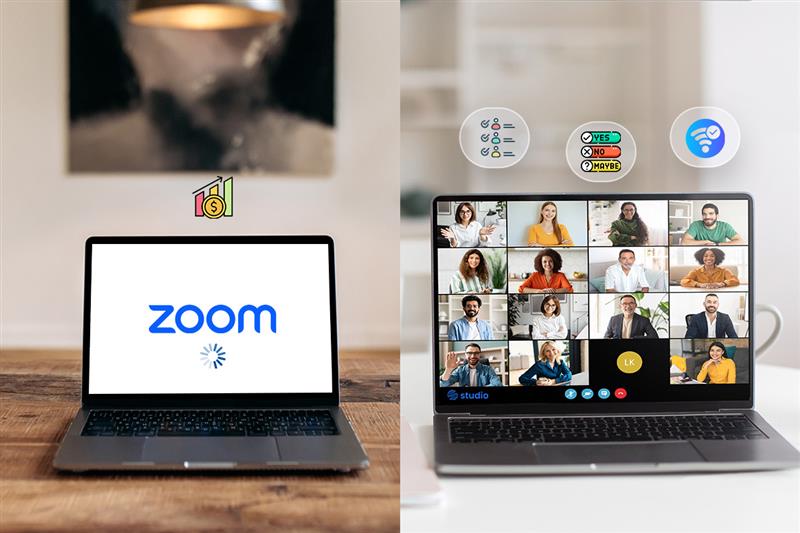
Studio is a cloud-based video conferencing and collaboration platform. What makes Studio different is not just that it’s built in Africa, but that it’s designed to feel like a real classroom, only without the walls. With Studio, students don’t just log in for a video call; they step into a virtual space where lessons can be recorded, played back, or downloaded for later. Teachers can schedule sessions flexibly, while students join from wherever they are. And when it comes to collaboration, Studio makes teamwork natural. Breakout rooms give groups their own space to brainstorm, debate, or work on assignments, bringing the rhythm of classroom interaction into the online world.
Why Studio Stands Out:
- Low-bandwidth optimisation: Studio minimises data use, ensuring smoother sessions even where connections waver.
- Cloud-based, no downloads: Teachers and students simply access virtual rooms via links, no software installations, no fuss.
- Education-focused tools: Studio integrates classroom management features like breakout rooms, polls, quizzes, whiteboards, and random speaker selection, designed to make remote learning interactive and engaging.
- LMS integration: It works seamlessly with learning portals and LMS environments, giving educators control and coherence across platforms.
- Affordable pricing: Tailored packages are crafted for African institutions, focusing on cost-effectiveness without sacrificing quality.
Studio, in a nutshell, fills gaps that Zoom often doesn’t, especially in bandwidth-constrained environments, while providing the essential classroom tools and affordability needed by African schools.
Microsoft Teams: A Strong Global Alternative
For many schools, Microsoft Teams stands as a robust alternative to Zoom in Africa, leveraged effectively across the globe.
Key Advantages:
- Deep Microsoft 365 integration: Teams is the digital hub for collaboration, video, chat, files, assignments, class materials, all within one familiar interface.
- Security and compliance: Built on Azure and Microsoft 365 infrastructure, Teams offers enterprise-grade security, threat protection, and compliance, appealing to universities and formal institutions.
- Education-specific tools: They include assignment distribution, grading workflows, immersive whiteboard, “raise your hand” features, Together Mode, and accessibility tools like Immersive Reader.
- Free for schools: Many institutions can use Teams for Education at no added cost with a school email, though premium features may require additional licensing.
Challenge:
- Complexity: Teachers in smaller schools or those with limited tech experience might find Teams overwhelming to set up and manage, particularly if they just need simple, streamlined virtual classes.
Google Meet: Lightweight and Accessible
Another popular Zoom alternative is Google Meet, known for its simplicity and seamless integration with Google Workspace.
Highlights:
- Ease of use: Meet’s interface is clean and intuitive. If your school already uses Google Classroom, Docs, Slides, and Drive, Meet fits seamlessly.
- Quick adoption: Minimal training is needed, making it ideal for schools just starting virtual learning.
- Reliable and secure: Google maintains a solid infrastructure, featuring breakout rooms, polls, Q&A, attendance tracking, and livestreaming in higher tiers.
- Free fundamentals: Google Workspace for Education Fundamentals includes Meet at no cost, with the option to upgrade for more features.
Limitation:
- Fewer advanced classroom tools: Compared to Studio or Teams, Google Meet lacks embedded quizzes, detailed analytics, or robust classroom management, potentially limiting interactive learning.
Jitsi Meet: The Open-Source Advantage
For educators seeking flexibility, transparency, and control, Jitsi Meet is a compelling Zoom alternative.
Why It’s Valuable:
- Open source and free: Jitsi is fully open-source, meaning you can audit, modify, and host it yourself, with no licensing fees.
- Self-hosting reduces reliance: Running on local or regional servers reduces dependency on international bandwidth and enhances performance where internet connectivity is limited.
- Privacy-focused: Supports end-to-end encryption (E2EE) for one-on-one calls, TLS encryption via Videobridge, password protection, and participant control, increasing trust in sensitive educational contexts.
- Web-based, no installs: Runs in a browser; no app downloads necessary, good for low-tech environments.
Limitations:
- Lacks education-specific features: You won’t find integrated assignment tracking, quizzes, grading, or analytics. It’s a blank canvas, not a full classroom environment.
Choosing the Best Fit for African Education

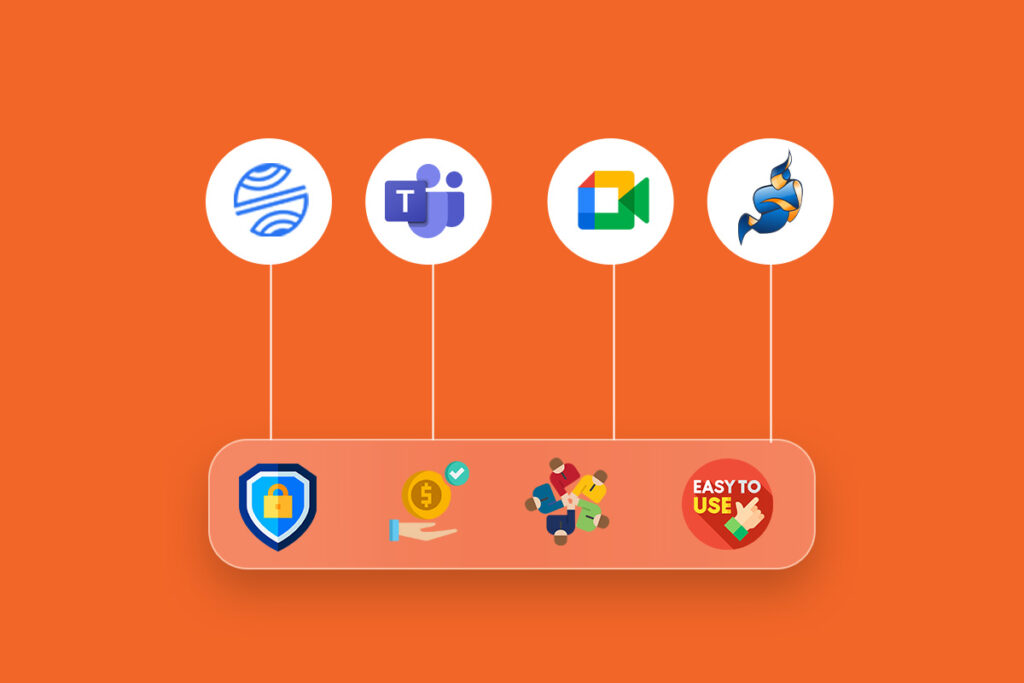
Selecting the right Zoom alternatives isn’t straightforward. There’s no one-size-fits-all; it depends on your institution’s infrastructure, budget, and teaching needs. Here’s how to think about it:
| Factor | What to Evaluate |
| Internet efficiency | How does the platform perform under low bandwidth? |
| Cost-effectiveness | Does it fit your budget? Are there hidden fees? |
| Ease of adoption | Easy for teachers, students, and IT staff to use and manage? |
| Educational tools | Does it include quizzes, breakout rooms, grading, and analytics? |
| Support & training | Is there local support, documentation, and onboarding? |
Platform Alignment:
- Studio by Vigilearn stands out for its low-bandwidth design, education-focused tools, affordability, and ease, making it a strong homegrown choice for many African schools.
- Microsoft Teams suits larger institutions already embedded in Microsoft ecosystems, needing advanced compliance and full-featured digital learning hubs.
- Google Meet works best for schools seeking simplicity and collaboration with Google Workspace with minimal training overhead.
- Jitsi Meet is ideal for those wanting privacy, customisation, and open-source control, especially where local hosting is feasible.
Recommendation:
Run demo sessions via the Studio product page, compare results with Teams or Meet, and gather teacher and student feedback. Evaluate based on:
- Real-world performance (lag, audio/video stability)
- Adoption ease (how quickly can teachers and students get started?)
- Tool value (are polls, quizzes, analytics used and useful?)
- Support quality (is help readily available?).
Africa’s education landscape is dynamic, and remote learning continues to play a crucial role in widening access and resilience. While Zoom remains widely used, it’s not always the best fit in bandwidth-limited or cost-sensitive settings. That’s why exploring Zoom alternatives in Africa matters.
Ultimately, African schools should test, compare, and choose, and in many cases, Studio may just deliver the best local value. To get started, check out the Studio website or visit the Vigilearn homepage. You can also browse our blog for more insights on edtech in Africa.