A learning management system is the digital backbone of modern higher education. It hosts courses, delivers assessments, stores content, and records learning activity. And in 2026, an LMS will be an operational necessity that ties together teaching, assessment, student services, and institutional data flows.
Higher-education leaders now depend on LMS platforms to support blended courses, fully online degrees, continuing professional education, and competency-based programs. That shift reflects a rethinking of how institutions design learning experiences, credential learners, and measure outcomes in a world where learners expect flexible, mobile, and personalised education. UNESCO and other international bodies continue to position digital learning as central to achieving education goals worldwide.
Read more: Affordable, Scalable LMS Solutions for Schools and Corporations in Africa
What an LMS Really Does for Higher Education
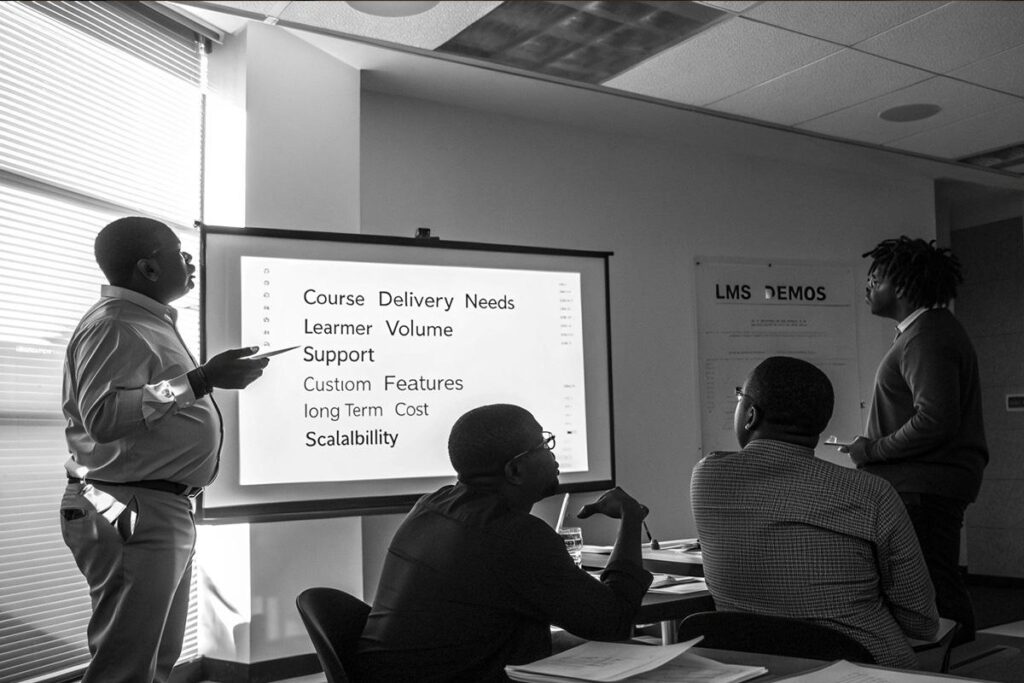
At its simplest, an LMS centralises core teaching and learning functions. It stores and delivers course content, manages enrollment and class rosters, runs assessments and grading, hosts discussions and synchronous sessions, and produces reports. The platform becomes the single place where instructors publish materials and where learners access instruction and evidence of progress.
Course hosting
An LMS stores syllabi, readings, multimedia, and assessment items. Faculty can sequence modules, set release conditions, and bundle micro modules into a program. That structure supports both cohort-based courses and self-paced learning.
Assessments and grading
Modern LMSs support a wide range of assessment types from timed quizzes to portfolio submissions and proctored exams. Automated grading for objective items speeds instructor feedback, while rubric and annotation tools simplify qualitative assessment.
Content delivery and engagement
An LMS delivers content in multiple formats and tracks who watched what and for how long. Reporting and analytics translate activity into indicators of engagement, allowing staff to identify learners who need intervention.
Taken together, these capabilities make the LMS central to blended and online learning models. Institutions that use LMS platforms systematically can run hybrid programs at scale, manage competency tracking, and combine synchronous sessions with on-demand microlearning to support short courses and stackable credentials.
Key Features Students and Faculty Expect in 2026
What mattered in 2016 is not enough in 2026. Here are the features that matter now.
Mobile learning
Students access learning on the go. Native mobile apps or fully responsive platforms are essential for participation outside of campus.
Video hosting and microlearning
Short video lessons and micro modules are now standard. Research on microlearning and microvideo shows strong engagement gains when lessons are bite-sized and focused. Institutions using short videos often report higher completion and participation rates compared with long-form lectures.
Live classes and synchronous tools
Integrated web conferencing avoids context switching and preserves attendance, chat logs, and recordings tied directly to course modules.
Quizzes, assessments, and proctoring
Flexible quiz banks, item randomisation, and secure assessment workflows protect academic integrity and support remote exams.
Discussion rooms and social learning
Threaded discussions, study groups, and peer review workflows are vital for instructor presence and collaborative learning.
Content tracking and learning paths
Students expect personalised learning pathways with progress indicators, prerequisites, and branching modules that adapt to performance.
Certificates and badging
Stackable credentials and digital certificates that can be verified by employers are increasingly common in university continuing education and professional programs.
Reporting and analytics
Faculty and administrators need dashboards that show engagement, risk indicators, grade distributions, and compliance metrics. These reports inform interventions and program improvement.
Comparing the Top LMS Platforms
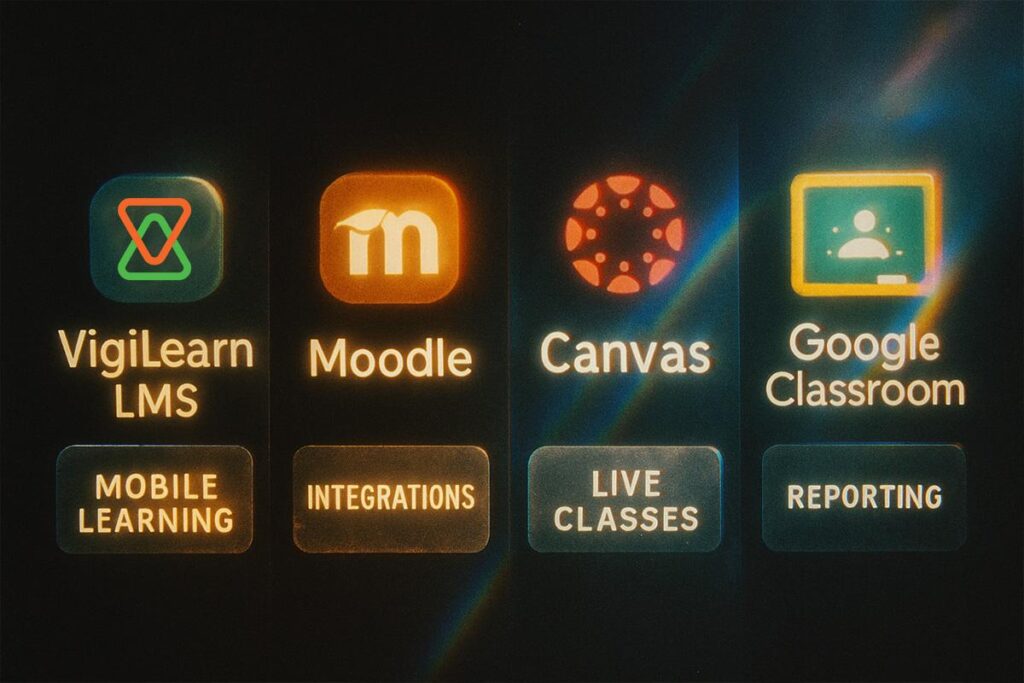
Below is a focused comparison for university leaders, corporate training teams, and professional program directors.
EdiifyLMS
EdiifyLMS is cloud-based and built for blended higher education and corporate learning. Strengths include native video hosting, tight SIS integration options, and support for both cohort and self-paced program models. For institutions already using Vigilearn products, Ediify offers straight paths to integration with admissions and exam portals.
- Best for: Universities seeking a single-digital partner across enrollment, exams, and video conferencing.
- Strength: Seamless connectors to institutional workflows and local support options.
Moodle
Moodle is open source and highly customizable. It is widely used globally, including by institutions that need local hosting and community-driven plugins. Moodle’s open nature makes it strong for universities that have development capacity.
- Best for: Institutions with an in-house dev team and a need for customisation or local hosting.
- Strength: Cost control through open source and a broad plugin ecosystem.
Canvas (Instructure)
Canvas is a cloud-native LMS focused on user experience, speed grading, and deep third-party integrations. Canvas promotes scalability and a polished UX for both students and faculty. It integrates with many external tools and vendors, which simplifies building a modern edtech stack.
- Best for: Large universities and systems that want a fast, supported cloud solution.
- Strength: UX, analytics, and third-party tool marketplace.
Google Classroom and Google Workspace for Education
Google Classroom is lightweight and easy to deploy. When combined with Google Workspace for Education, it is cost-effective for institutions wanting simple course management with strong collaboration tools. It is not a full-featured enterprise LMS, but it is excellent for K-12 and some higher-education use cases.
- Best for: Institutions prioritising collaboration and low-friction deployment.
- Strength: Integration with familiar productivity tools and low administrative overhead.
When choosing, weigh the size of your learner base, the complexity of your programs, local data regulations, and the level of vendor support you require.
Data, Security, and Integrations You Must Check
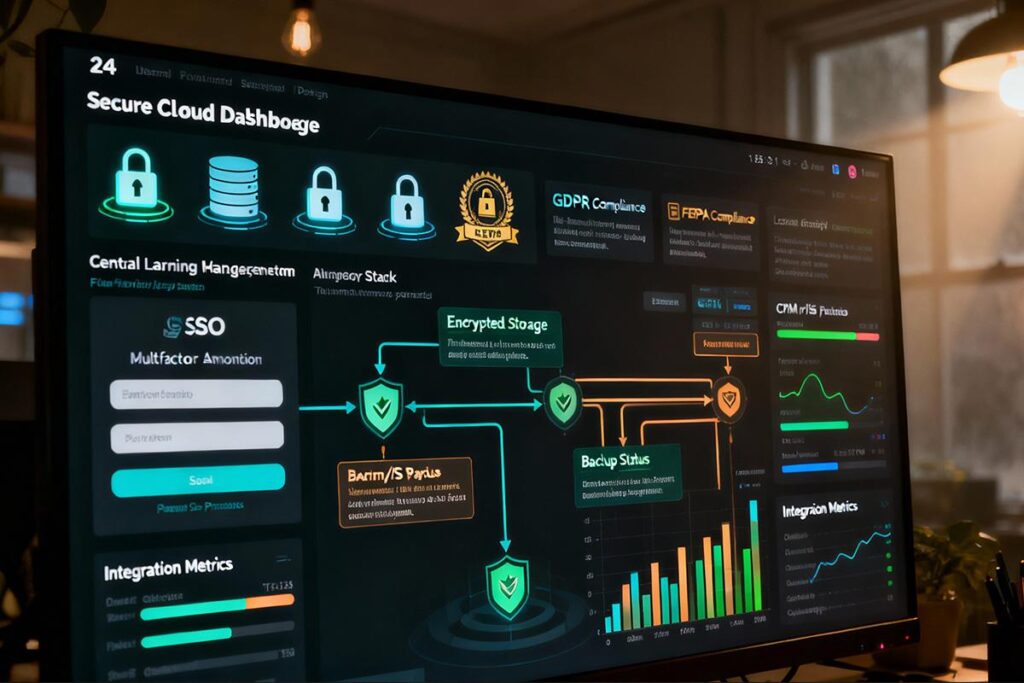
Privacy and secure hosting are non-negotiable
In the United States, FERPA sets expectations for student-record privacy. European institutions must comply with GDPR. Both laws shape vendor contracts, data residency requirements, and consent workflows. Ensure your vendor can demonstrate compliance and share SOC or ISO audit reports when requested.
Single sign-on and identity management
Support for SAML, OAuth, or OpenID Connect simplifies access and reduces password help-desk tickets.
Backups and disaster recovery
Confirm backup frequency, retention policies, and restore SLAs. Insist on documented recovery tests.
Integrations
Your LMS must integrate cleanly with SIS, CRM, payment gateways, and proctoring tools. Real-world case studies and vendor documentation show that integrations automate enrollment, sync grades, and reduce duplicate data entry. Multiple vendor and case-study reports suggest meaningful efficiency gains when LMS, SIS, and CRM are connected. Many institutions report reductions in administrative workload in the range of 30 to 50 per cent after full integration, with some implementations claiming higher gains depending on scope and automation depth.
How to Pick the Best LMS for Your Campus
This checklist helps leadership teams make a defensible selection.
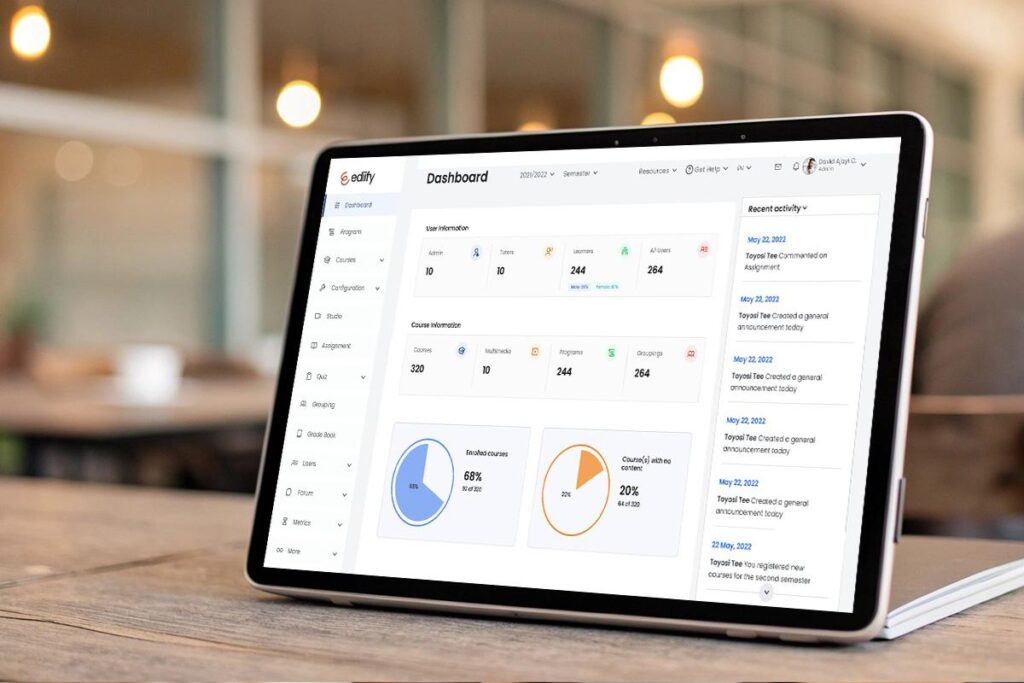
- Course delivery needs. Do you need cohort-based degrees, self-paced microcredentials, or both? Map program types to platform strengths.
- Number of learners. Verify the vendor’s scaling guarantees and concurrency limits for peak loads.
- Support levels. Decide between self-hosted, vendor-hosted, and managed hosting. Consider time zone and SLA requirements for support.
- Custom features. List must-have features such as adaptive learning, proctoring, or competency mapping. Separate must-haves from nice-to-haves.
- Cost and long-term scalability. Look beyond license fees. Budget for integrations, migration, training, and content conversion.
- Data and compliance. Confirm data residency, FERPA and GDPR compliance, and audit reports.
- Integration readiness. Ask for an integration plan with SIS, CRM, financial systems, and identity providers. Request past metrics that show time saved and error reduction.
- Migration and training. Ensure the vendor provides migration tools, sandbox environments, and comprehensive training for faculty and admins.
For institutions that want a consistent partner across admissions, examinations, and virtual collaboration, vendors that demonstrate strong cross-product integration present real operational advantages. Vigilearn’s ecosystem, for example, is positioned to connect admissions, SIS, LMS, and exam portals. See Vigilearn’s Products to explore those connections.
